How implementation methods influence a project
Over the past few years I created three iterations of my portfolio, each of them with a different implementation method - code, no-code and AI builder. This case study will explore how the choice of a tool and workflow affects a project from a designer's perspective, what I learned and what I believe are the best use cases for each of them.
Key outcomes
- • Developed a workflow that matches the project with the right toolset by gathering requirements early
- • Reduced iteration time significantly by using AI for exploration
Key takeaways
- • The implementation method changes the speed and mechanics of design, but designer's vision and judgment is still needed
- • It never hurts to run something by AI - whether to ideate or proofread
- • Conversational interfaces are amazing for iteration
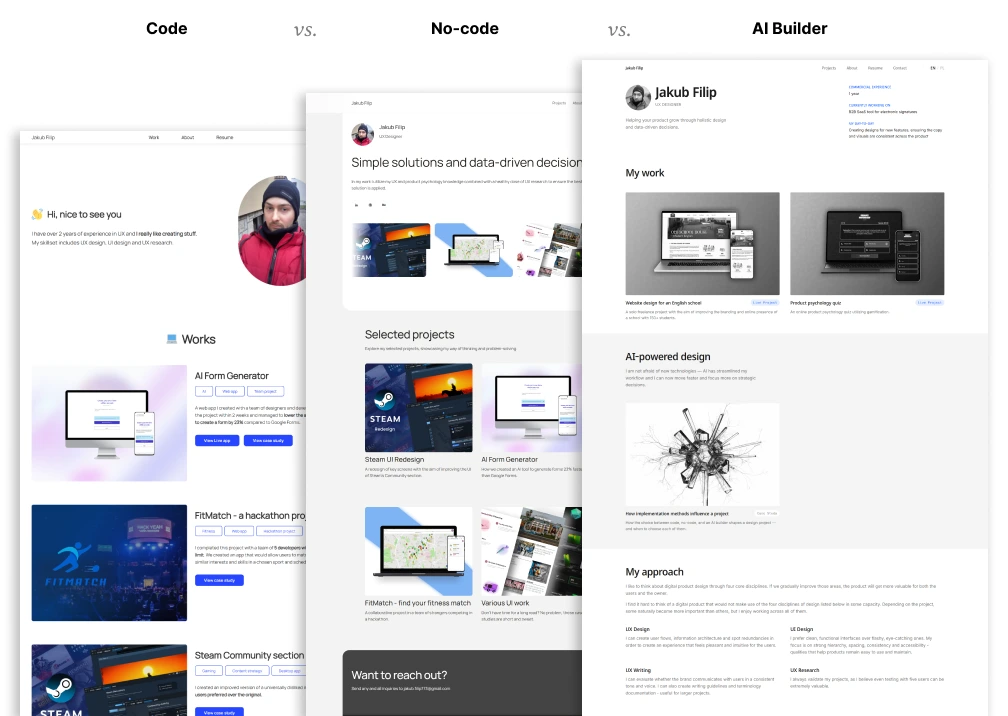
Method comparison
This is how I would evaluate the three approaches from a designer's perspective.
| Criterion | Code | No-code | AI builder |
|---|---|---|---|
| Control | High | Medium | Medium |
| Flexibility | Very high | Low | Medium |
| Iteration speed | Slow | Medium | Fast |
| Collaboration | Hard | N/A | Easy |
| Learnability | Slow | Slow | Fast |
| Cost | High | Low | Low |
| Best suited for | Complex projects | Simple websites | Personal projects/Prototyping |
Overview
Three approaches and their trade-offs
Code — Working with other people is great, but has its own set of problems. Every small UI adjustment involves discussion, implementation and review, which slows the whole process down. On the other hand, you have complete design freedom and the most possibilities when it comes to both design and front-end/back-end implementation.
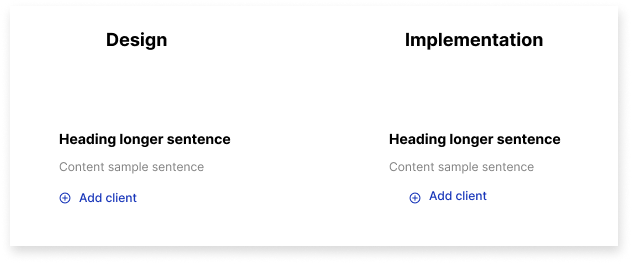
Working with people you will often revisit details, which were implemented to be "good enough"
No-code — These tools have proven to be useful particularly for designers, since they are fairly easy to learn, while empowering you to implement the working design. The main problem is they are neither as flexible as code, nor as fast to iterate on as AI. No-code proficiency is also a separate skill you need to learn if you want to work with them as a designer.
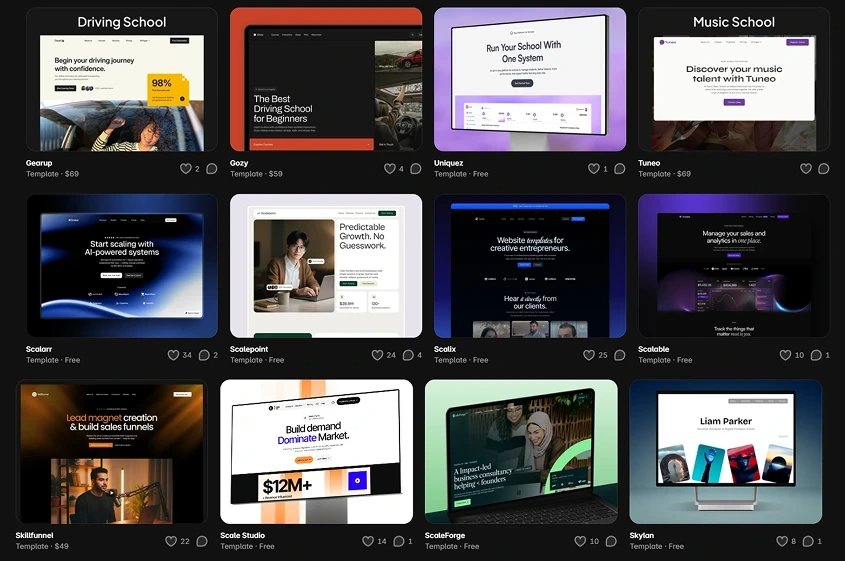
Framer's marketplace is a great resource to get a project started
AI builder — This method can get you a UI in seconds, but that has unexpected drawbacks. You can get fixated on the first idea you have and along the way you often discover the importance of previous design stages you skipped by jumping straight into UI design. Also, small changes are more problematic than usual, as it takes more time describing the issue than it would fixing it in Figma.
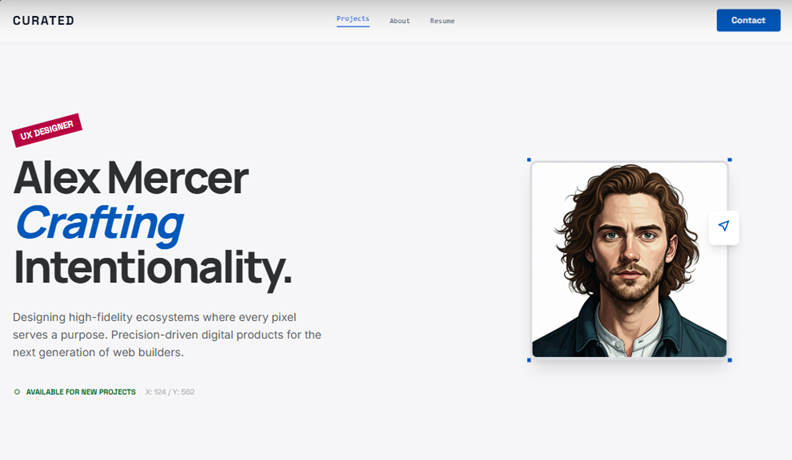
Generic input = Generic outcome
When to choose each tool
Matching the method to the project
Code — This is by far the most flexible implementation method - a skilled developer with support from a designer can work on anything from a website to a complex enterprise software. However, it is not cheap or easy to build and maintain a well coordinated team of developers and designers. The go-to choice for complex projects.
No-code — This one heavily depends on the user's skill in no-code tools. They function a bit differently than Figma, so those skills do not transfer. Going forward, this is the method I will probably be using the least, as it doesn't excel in anything unless you are already extremely skilled in no-code. I could see myself using it for a simple landing page.
AI — Here we have to differentiate types of AI tools. AI builders excel at creating simple websites and web apps - by far the fastest and easiest, not very useful for larger projects. Tools like ChatGPT and Google Stitch are useful in any project for ideation - it is incredibly powerful to generate ideas or screens in a matter of seconds.
Closing thoughts
What I learned
Building and iterating on a portfolio teaches you a lot of things as a designer. How you have to carefully curate content and only show what is important to busy recruiters, how you need to look for outcomes and impact of a project, and how you need to deliberately position yourself and emphasize your strong suits.
When it comes to picking a tool for a personal project, such as a portfolio, I would definitely recommend starting with an AI builder. I simply cannot overstate how useful it is to visualize and verify ideas with the speed of AI, and also how convenient it is to create UI with an LLM-style interface.

